Installation Location
The sudoSignals client is installed on your computer in:
C:\Program Files (x86)\sudoSignals
In this director you will find all of the .exe files that are used to run sudoSignals.
In rare occasions if you are debugging a performance issue you may need to run sudoSignals from the console. To do this:
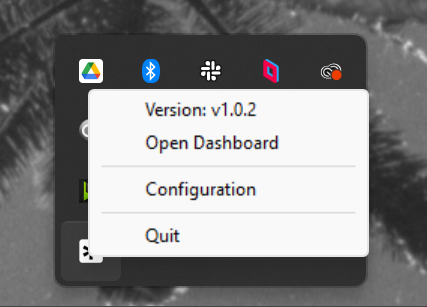
Quit Signals and any controlled process
Quit sudoSignals from the tray icon and close any open sudoSignals monitored process.
Open a new terminal window
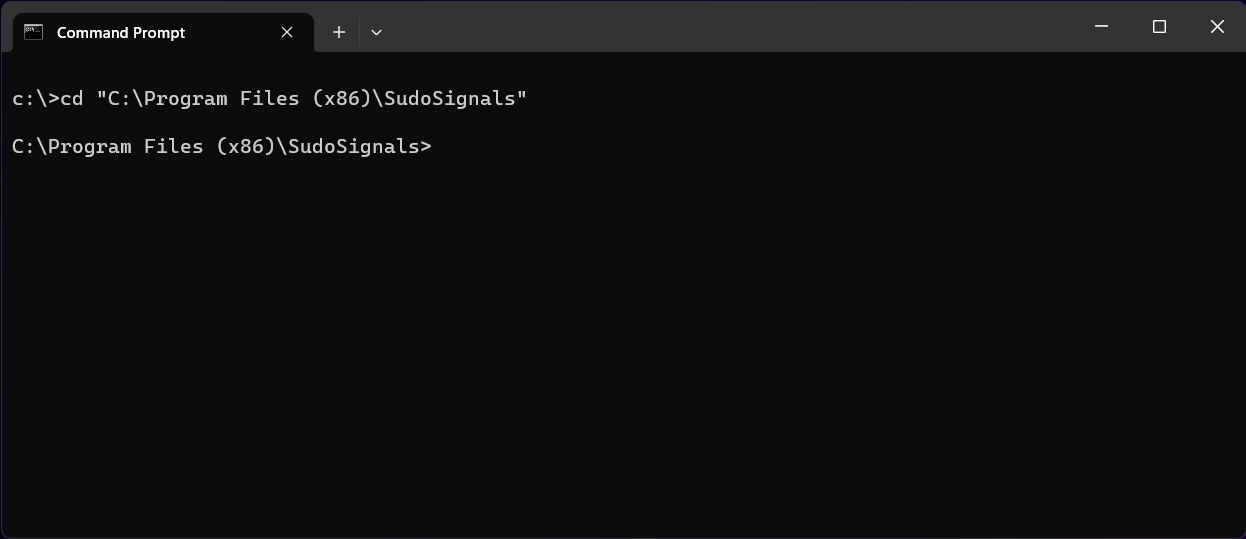
In a new terminal window move to the installation directory for sudoSignals.
cd "C:\Program Files (x86)\sudoSignals"
Use the --console flag
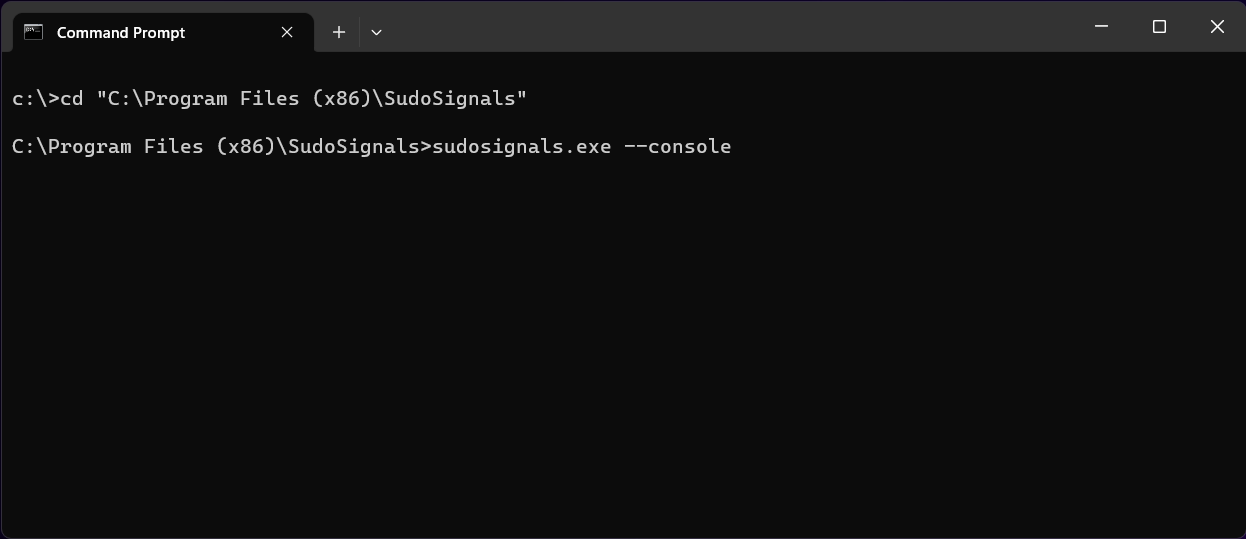
Start sudoSignals with the --console flag.
sudosignals.exe --console
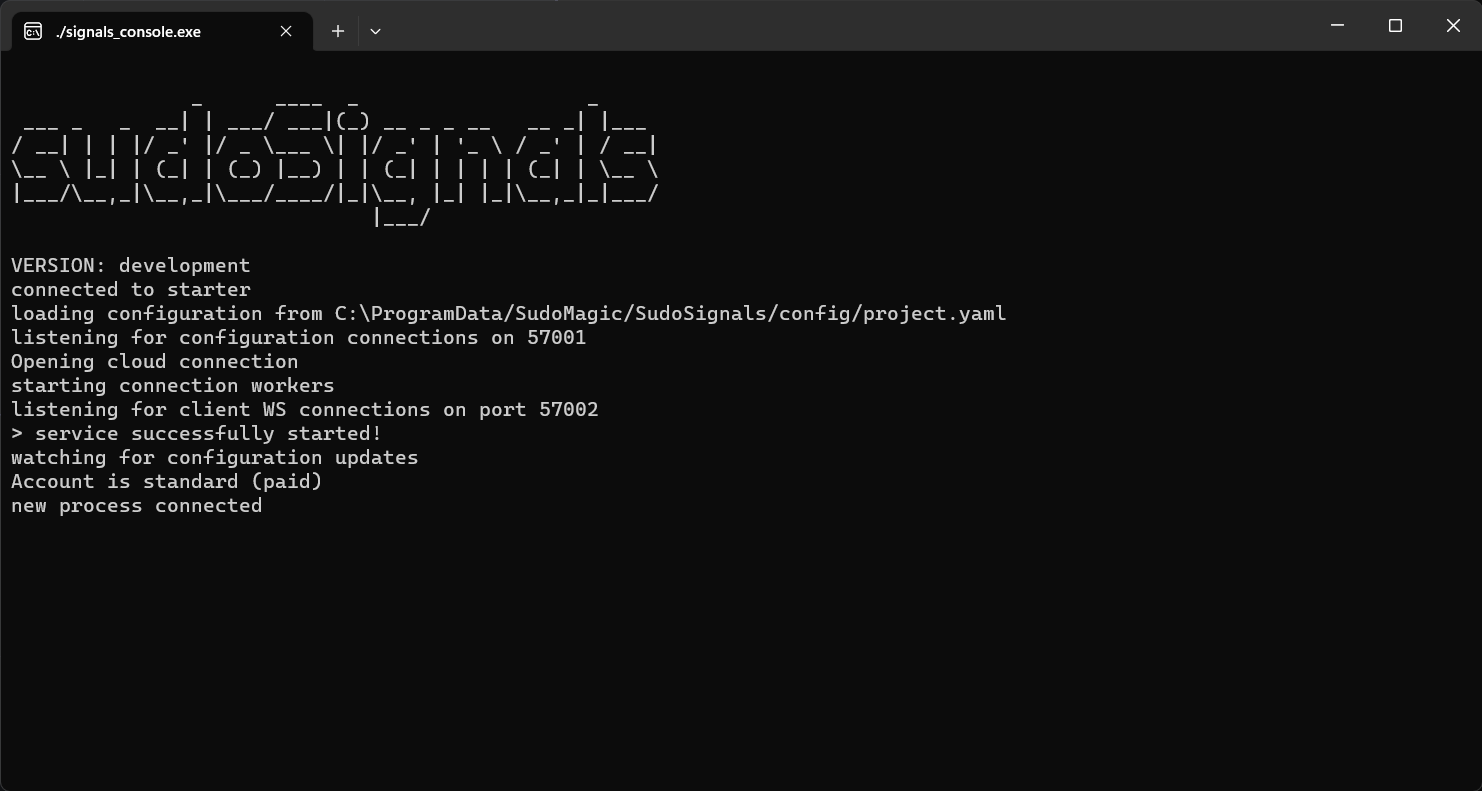
Watch messages in the sudoSignals console
This will launch the sudoSignals client with an open console that displays any logged messages.
Return to typical use
To close the console version of sudoSignals, quit sudoSignals from the tray icon.